Professional ECU calibration software
SynoBit
ECU calibration, from the raw file to the final map.
Explore ECU files, work with 2D and 3D maps, and organize the definitions you use every day.
 Windows
 macOS
 Linux
Home & Maps
Find your file. Understand its maps.
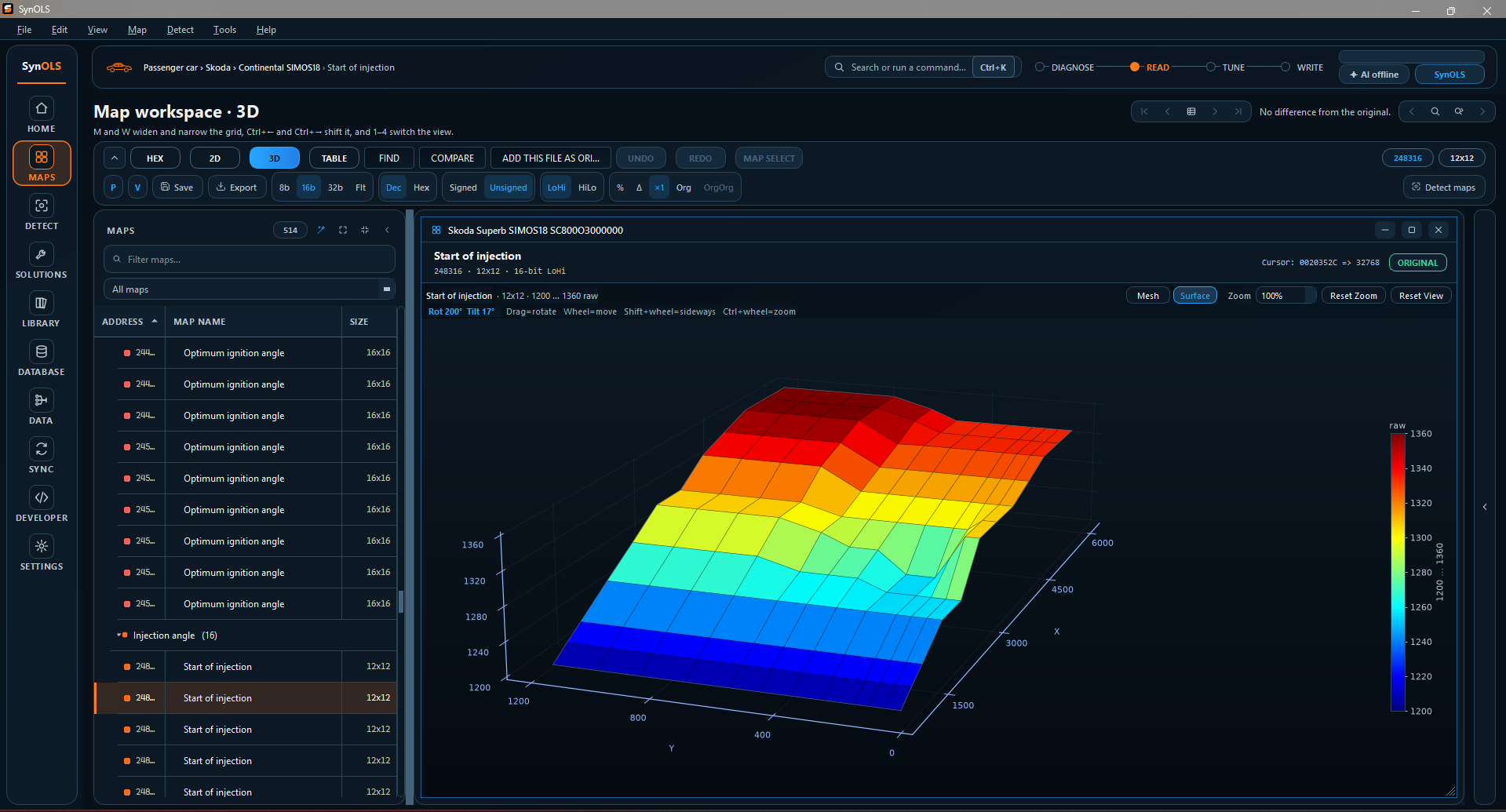
Start with the file you want to inspect, then move between HEX, 2D, 3D and table views to see the calibration from different angles.
Home
Open a calibration file from your recent work or choose two files to compare.
Maps
Inspect individual values or see the shape of a whole map. Create a map when you need to define a region manually.
Detect
Find candidate maps in an ECU file, then review their shape, size and data type before using them.
Definitions
Make sense of map packs and DAMOS.
Use existing definitions to identify maps more quickly, or build and organize your own packs for the next job.
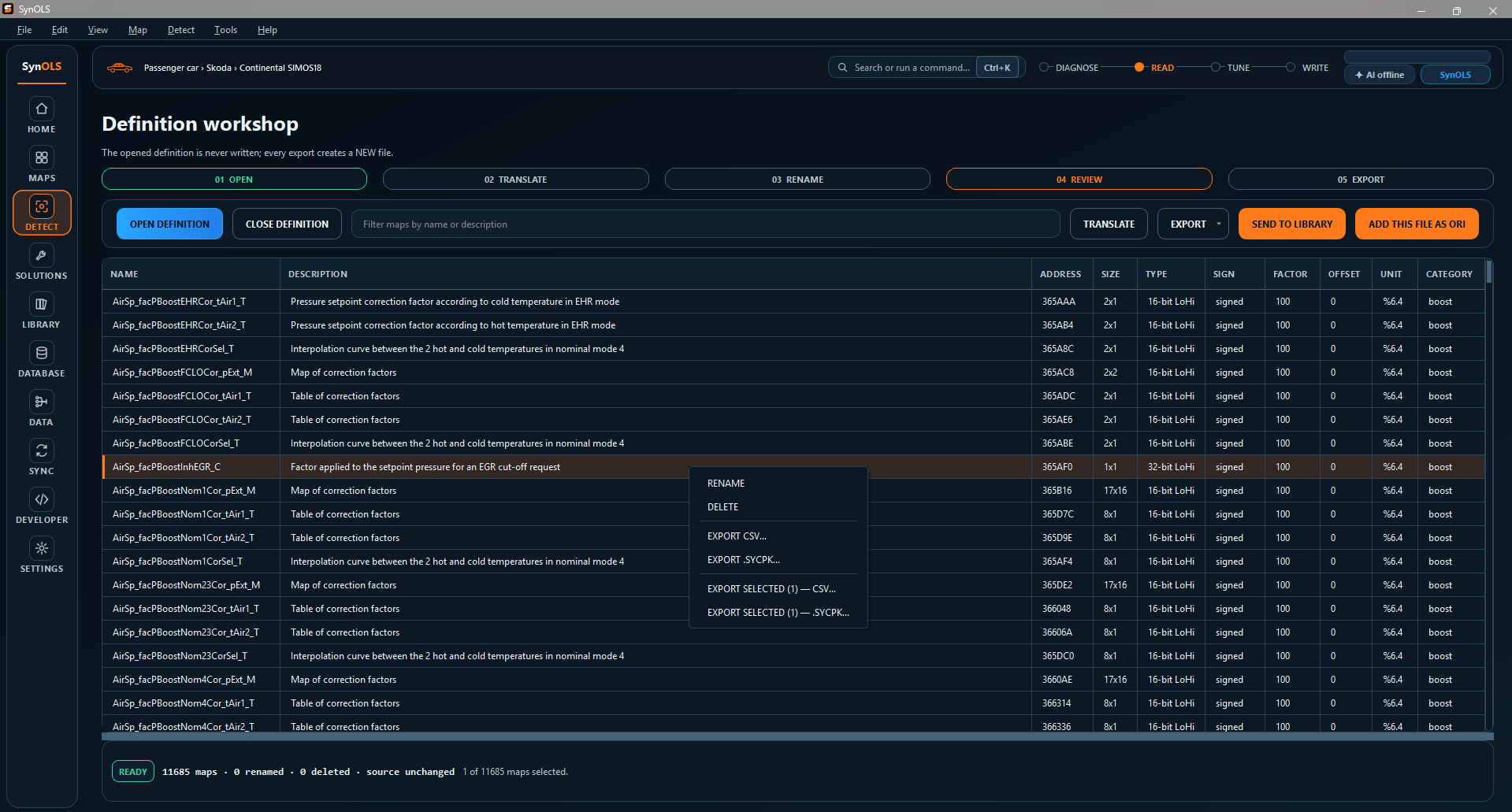
Definition Workshop
Review map names, addresses and units, translate labels and descriptions, then export a new file without changing the source.
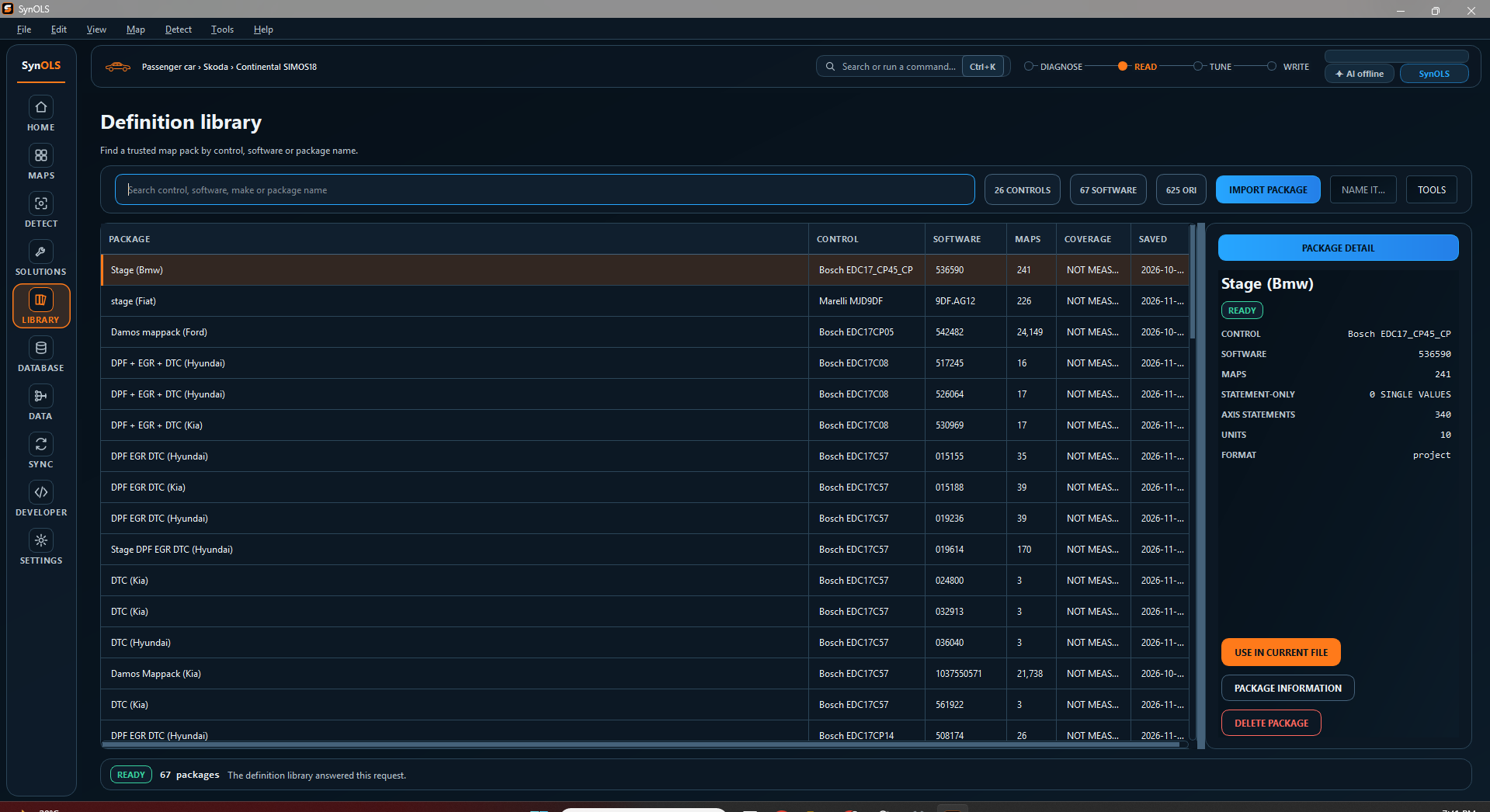
Definition Library
Search saved map packs by ECU, software version or package name. Reuse the matching package in an open file.
Database & Data
Browse saved ECU files and related records separately from the definition packages you use to interpret them.
Automated Solutions
Start with the matching ECU.
Select the vehicle type and control unit, load the original file, then scan it to see which tools are available for that match.
File Scan
Check whether the loaded file matches the selected ECU before going any further.
Fault Code Manager
Read and review diagnostic trouble codes available for supported control units.
Performance tuning
Explore available Stage 1, Stage 2 and Stage 3 solutions for supported vehicles. Save the result as a separate file without overwriting the original.
Contact
Get in touch.
Ask about supported ECUs, map packs or how SynoBit fits your workshop.
Talk to SynoBit
- support@synobit.net
- Phone
- +970 59 275 5556

Scan the QR code or open the chat directly.
Help shape SynoBit
Send a suggestion or question.
Request a feature, report an issue or ask us something about the software.